Hotmail
To add our domain to your Hotmail safe senders list, please follow the instructions below:
-
Click the 'Options' button
The 'Options' button on the top right hand side of the page will open a menu of further actions.

-
Click the 'More Options' item
The 'More Options' item will appear at the bottom of the options menu.

-
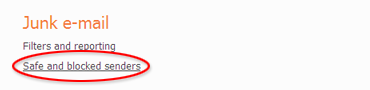
Click 'Safe and blocked senders' option
The 'Safe and blocked senders' option will appear under the 'Junk e-mail' section.
-
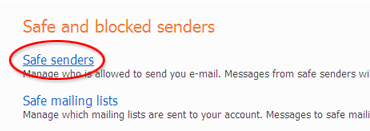
Click 'Safe senders'
The 'Safe senders' option appears in the 'Safe and blocked senders' section.
-
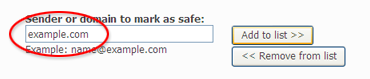
Enter the domain in the box provided
Enter webrtcworldsummit.msgfocus.com into the text box labelled 'sender or domain to make as safe'.
-
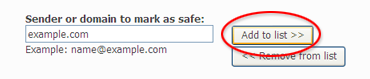
Click 'Add to list'
Clicking 'Add to list' will then add the domain to your list of safe senders.